Showing posts with label K-2. Show all posts

Sunday, July 23, 2017

Flexible Seating in K-2

At this point everyone has probably heard of flexible seating, am I right?  There are still some who say “no way that is not for my classroom”, but many others who have bought in 100%.  I saw all the social media posts about flexible seating and loved all the changes teachers were making in their classrooms, but was not ready to jump in yet.  In these classrooms you could see how excited, yet engaged their students were with the new seating available to them.

Fast forward to this spring sitting in a professional development session and I was finally sold on flexible seating!  The presenter was positive (and realistic) as she discussed how she used it in her classroom, showed pictures, and even brought examples of seating with her.  The what-if’s and fears were calmed as we learned from the presenter.  Teachers could see a classroom very similar to what they taught in and saw it was working really well.  I was at Walmart, Five Below, and Goodwill that afternoon!   The types of flexible seating in my classroom are yoga balls, sensory cushions, small metal stools, 30” barstools, yoga mats, raised table, desks, traditional desk chairs, folding chairs, and carpet areas.

The first day of flexible seating all of the new seating was set up as students came in to the room.  Their faces were priceless as they looked around the room.  For the first week of flexible seating students had to pick a different type of seat each day and just try it out to learn what worked for them.  Students were in charge of their new seating and were driven to prove they could handle this new privilege.  From the teacher side of things I really had to sit back and watch them explore this new responsibility of not only picking the type of seat that worked for them, but taking care of these items.

Flexible seating did amazing things for the behavior management of my class.  You could hear and see the changes immediately.   There were some students who picked the same type of seat almost every day and others who would rotate different types of seating available.  The biggest fear I had with the younger students and flexible seating was that they would fight over whom sat where.  I never once had this problem!  One student who thought it was a big hit said “plain old chairs aren’t squishy like yoga balls; you can lie on a yoga mat, or stand if you like to stand up”.  If behavior would have been an issue I could have used a sign-up sheet for the seat options.  I will definitely be using flexible seating again and again.  It looks messy and a little chaotic, but the learning that takes place is magical.  

About Melissa Mooney –
Melissa is a classroom teacher and has taught grades 2-5 (in a classroom and a trailer) for the past ten years.  Her two big focuses at the moment are flexible seating and personalized learning.

Sunday, January 8, 2017

Who Are Your Students Writing For?

Have you ever stopped to think who your students are writing for?  If no one comes to mind then it is probably you!  Should students write for teachers?  Of course!  We are there to offer guidance and support but we want our students to become independent of us.  We want them to become authors, writing for a wider audience.

Students need to know why they are writing and who they are writing for. Authors write to share their ideas and creativity to the world and young writers need the same motivation. How many times during a day do you hear your name called and students say “look at this?” Students love sharing their work with teachers, parents and their peers. Even better young writers love sharing their pieces with anyone. 
How do you get your students to feel like authors? First they need to discuss their writing with their peers. Practice having students work in partners. Model how to ask questions about their pieces. Students gain more ideas about their writing when a partner asks questions about their pieces. Feedback drives students to write more adding details that answer their audience’s questions.

Digital publishing is another way for students to share their writing with a bigger stage. Digital publishing puts emphasis on a completed piece of writing and a quality piece of work. Digital writing is almost always meant for an audience. When students know they are writing for someone else besides the teachers it motivates them to do their best. 

Having students write in  Google Docs is an easy way to publish and share a digital piece. It is accessible from anywhere and is easily shared through a google account or shareable link. What is also great about using google documents is that teachers, parents and peers can give feedback right onto the document itself.
Chatterpix is another great way for young writers to publish their pieces. This free app allows students to record and animate their writing, which allows students practice reading their pieces for fluency. To use Chatterpix, students snap a picture of their writing and save it to the camera roll. Next, they open the Chatterpix app and upload picture. They then swipe across the picture to animate it. Lastly, they hit the record button and read their writing.

 Students can also add an illustration that goes with their writing and read as the picture talks.
After reading Spookley the Square Pumpkin, my students wrote about how to be a nice friend. Then they drew a picture to upload to Chatterpix and recorded themselves reading their piece. To publish their pieces, I made QR codes and placed the pumpkins in the hallway for everyone to scan. Sticky notes were placed beside each picture so anyone that listened could leave a comment. This is a simple way to publish to a wider audience. Students get really excited when they see that someone listened to their writing and left a comment. Follow the link below and see our adorable Spookleys.

Once young writers have the experience of talking about their writing, receiving feedback from their audience and having a platform to publish they will not only begin to see themselves as authors, they will become authors.

About the Author 

Lisa Fain is a NBCT who has been teaching for 23 years. She is a First Grade teacher who enjoys integrating technology into her classroom. She blogs at The Primary Sisters with her sister who also teachers First Grade with her at the same school. 


Thursday, November 10, 2016

Blended Learning for K-2 Students

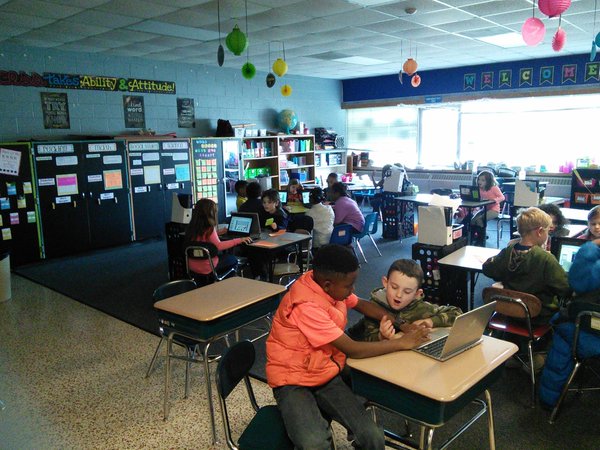
4.jpgHave you been interested in blended learning in the K-2 classroom but are hesitant to dive in? Have you been told that your students are just too young to truly utilize Chromebooks and tablets? Think again! Read on to find out how two second grade teachers transformed their classrooms into a blended learning environment and how it has impacted their students.


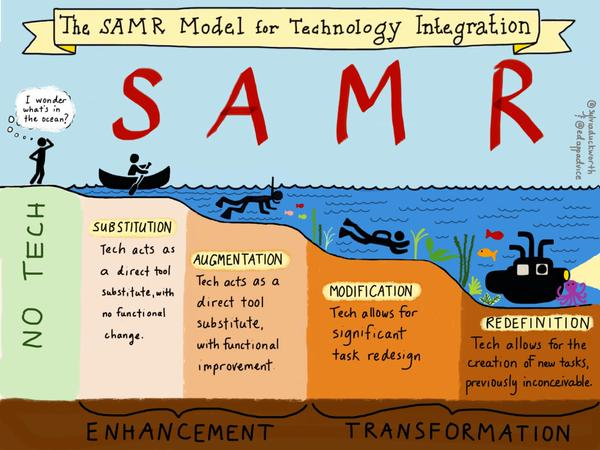
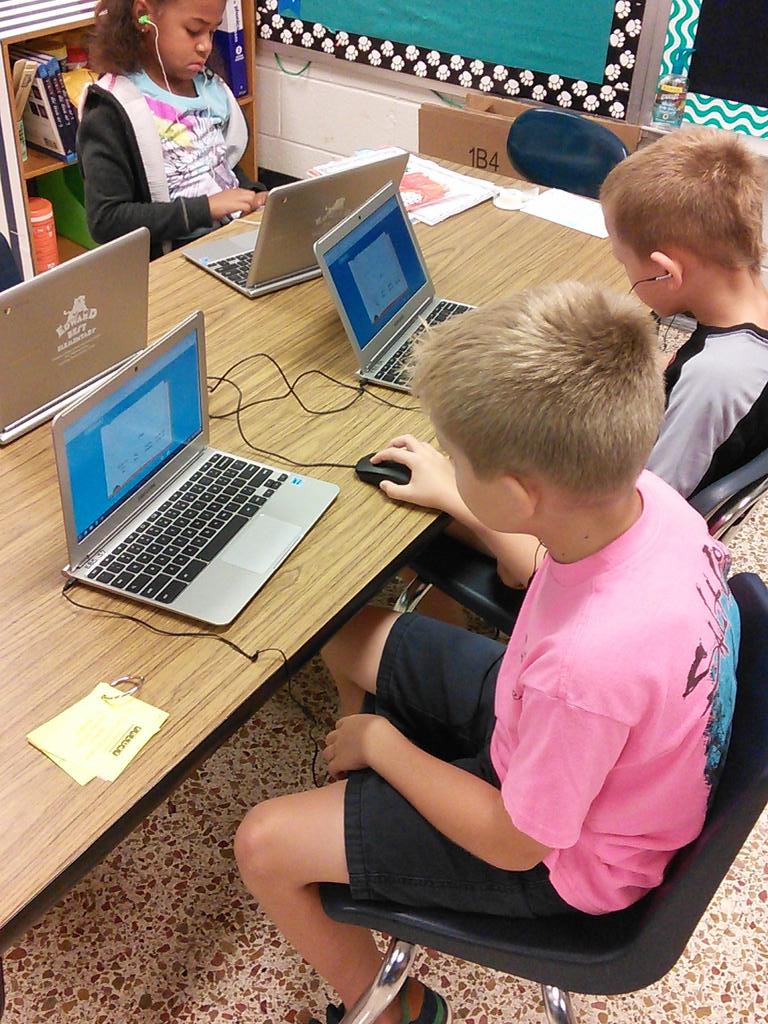
Last year, various teachers across Franklin County participated in a series of professional development sessions know as “EmpowerED”. These were led by Dr. Lisa Hervey from The Friday Institute at NC State. I (Alyssa) had the privilege of being part of this team! In these sessions, we  focused on stepping out of our comfort zone and integrating technology in various ways across the curriculum.  At first,  as a second grade teacher, I was thinking “how could I ever get my kids to do this!” But luckily in each session we got “PLEARN” time, where I could use the tools and start creating things that could work for my students. Before I knew it, my excitement for blended learning grew! As soon as I got back, I pulled Claire into my room and showed her EVERYTHING we did! She jumped right on board with me and we started planning how we could make this work! To start, we focused just on the “substitution” step of the SAMR model. This seemed most realistic for our students who still struggled to log in, find the keys on a keyboard, and know how to work a mouse!


As soon as Alyssa filled me (Claire) in on what they had been doing in their sessions, I was instantly hooked - and I knew that if WE were this excited about it, our kids would be over the moon! As Alyssa mentioned, we knew that we had to keep it simple to start with - and, full disclosure - majority of the time, we are still in the “substitution” phase of the SAMR model. Make sure that if you are wanting to implement some of the things we discuss, you move at a pace that works for YOUR students - if you throw too much at them too quickly, you won’t have the outcome you’re hoping for. Start small, and start smart.

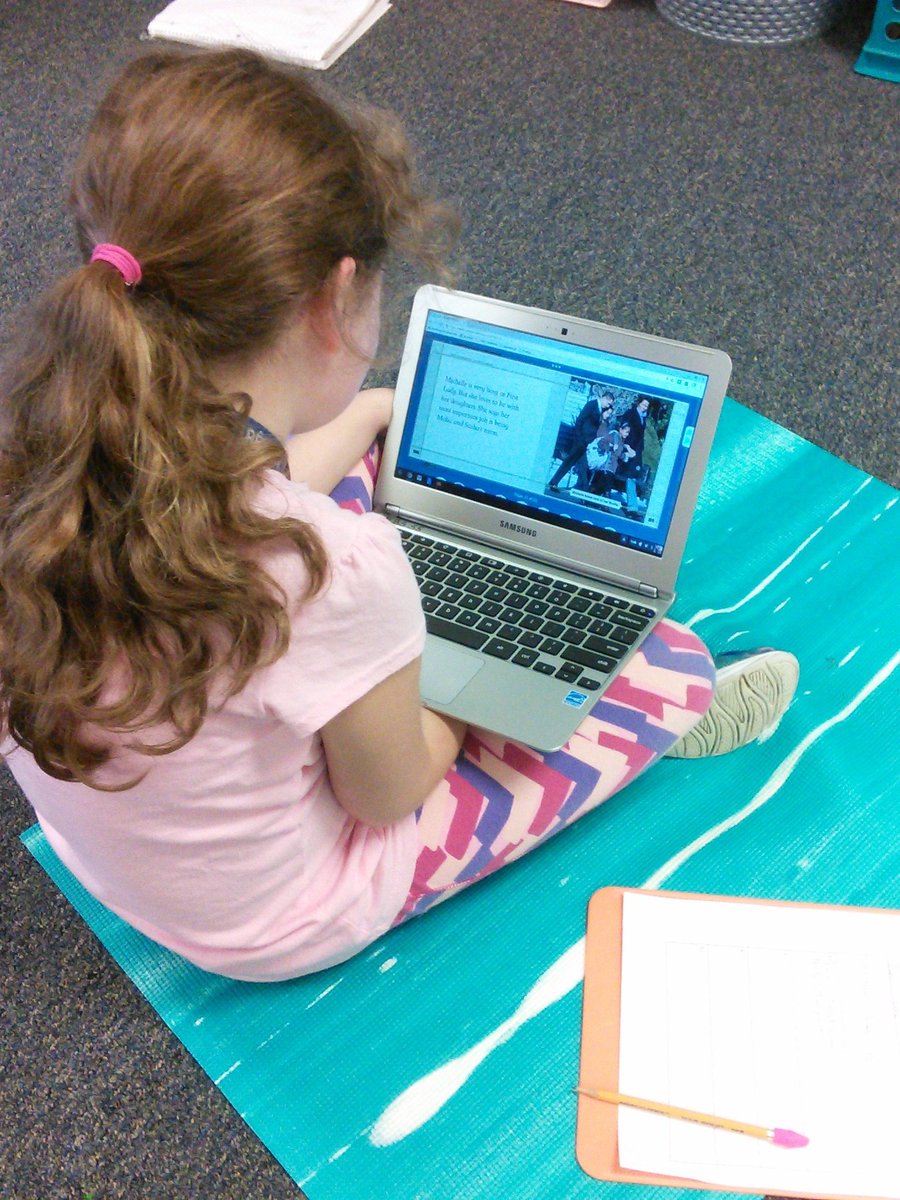
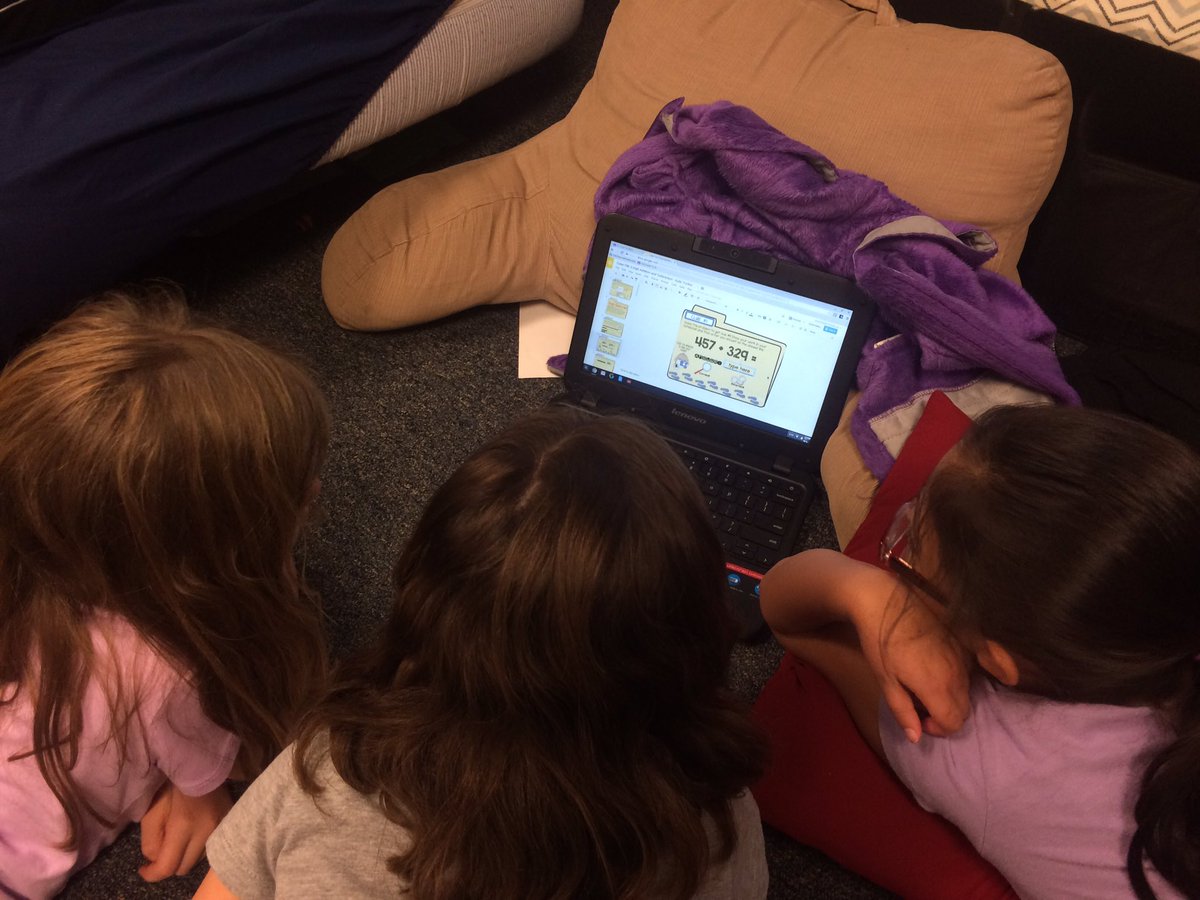
6.jpgWe know that the distribution of technology across classrooms in North Carolina (and the country itself) is grossly unequal. There are classrooms that are 1:1, and unfortunately there are also classrooms that consider themselves lucky to even have one desktop. The best part about implementing this model of blended learning is that with creative planning, it can be done with any amount of devices. When we started this journey, we each had two Chromebooks, two tablets, andtwo desktops (did we mention that we had 27 students? Don’t let your class size deter you either!) See if you can borrow technology from other grade levels - chances are that someone is at lunch or recess during the time that your kids might need devices and hopefully they are willing to share! Donor's Choose is another great option! Organize who is using which device in a way that makes sense to both you and your kids. Labels will save your sanity - assign certain students to each device so that their log-ins can be stored and they won’t have to enter their usernames/passwords each time. Alyssa is a master at organizing  the devices in a way that was equal for our students - she was able to create a rotation schedule that gave students both individual time and time to work with one another on the computers. This set-up was honestly the most time consuming part - but the payoff is worth it!

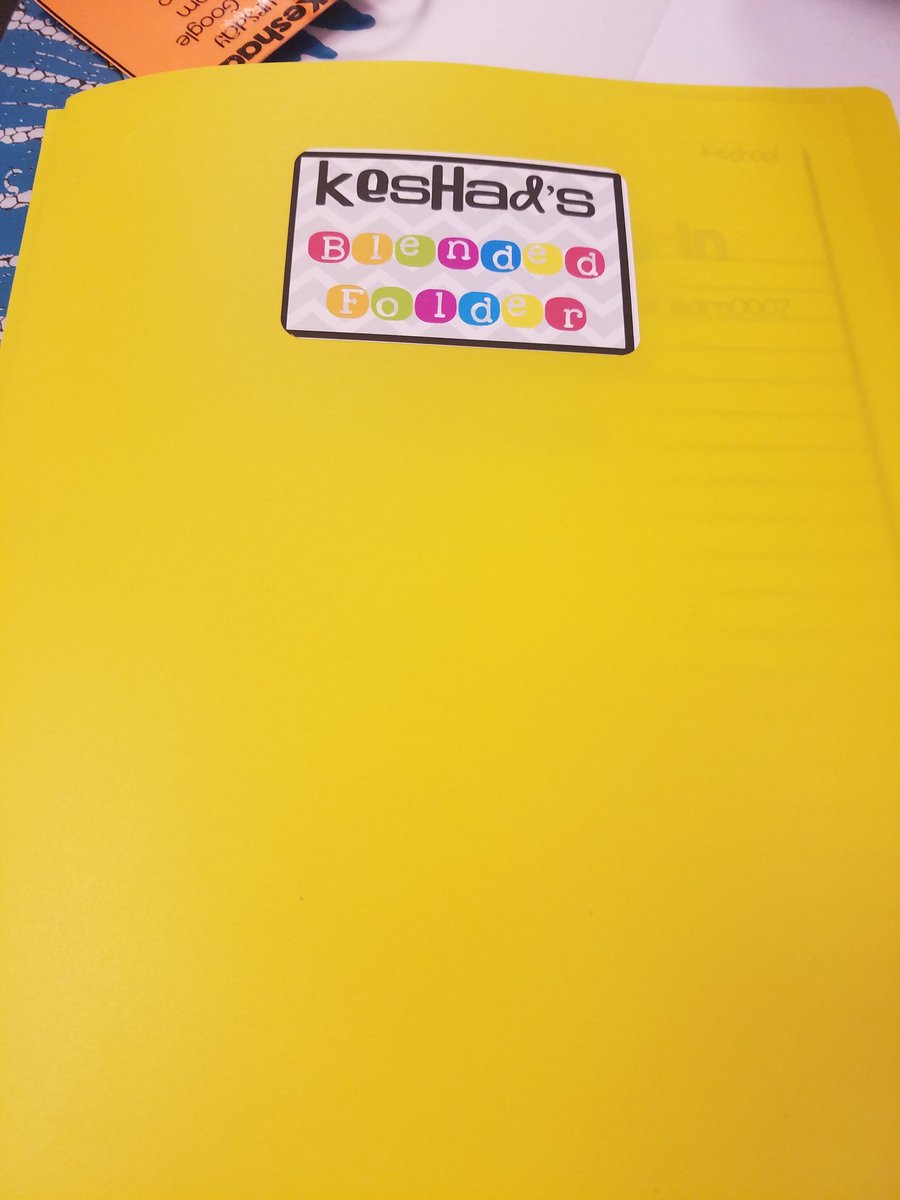
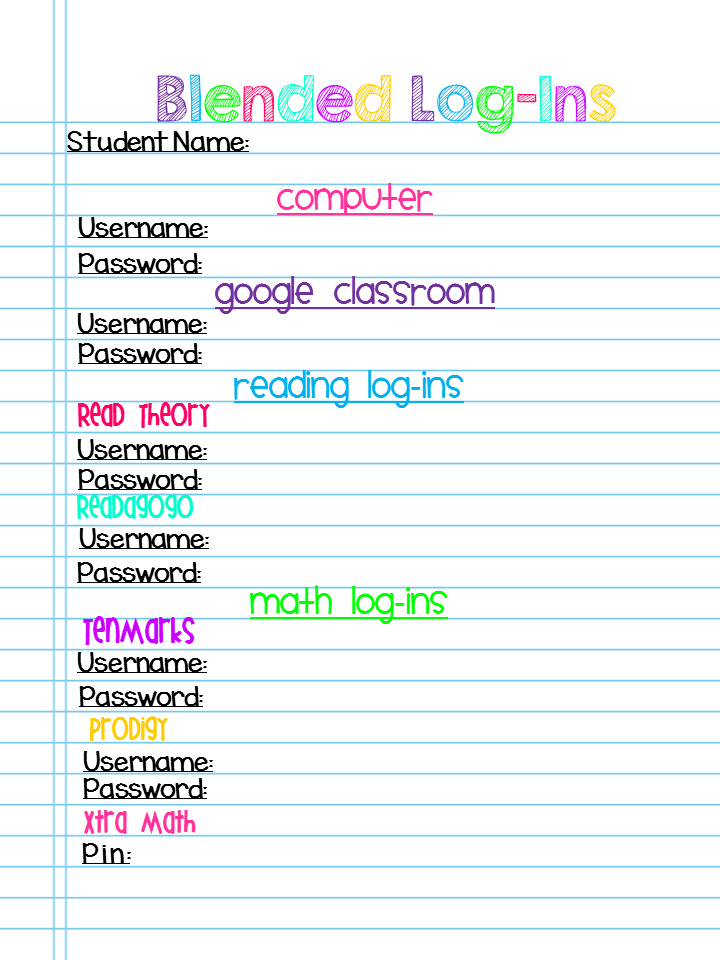
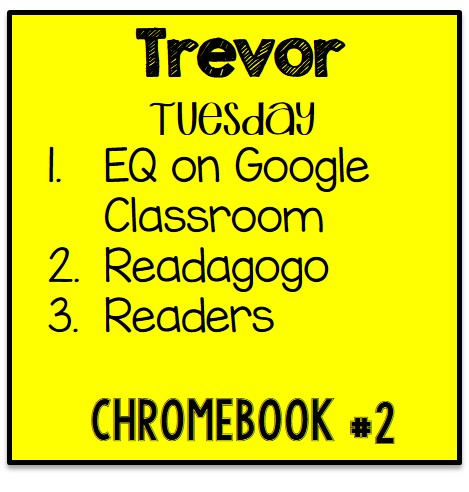
2 - Copy.jpgSlide2.PNG9.jpgWe chose to focus on implementing blended learning in ELA last year. Students had specific schedule cards (see Trevor’s on the left) and a log-in sheet inside their “Blended Folder” with every username and password they will need!  That way they have a one stop shop for log-ins for any activity they are doing! Utilize free sites first - ReadTheory, Epic, ReadWorks, TenMarks, and Prodigy  are just a few sites where you can create profiles for your students and track their progress. Google  is a life-saver when it comes to linking websites and assignments for your students. Tackk is also a great tool to link websites in one common area that is kid friendly and teacher friendly!  EDpuzzle can also be linked through Google Classroom and you can use it to create a video lesson on nearly any topic you teach! Keep an  out for grants and trials that some websites run. We were fortunate last year to receive a year’s subscription to Headsprout simply by applying for their teacher grant. The money is out there! 


No matter the amount of devices you have access to, the resources that your school allows you to use, or your number of students - the most important thing to remember is that you have to start SOMEWHERE. Choose one subject area and focus on that. Trying to implement blended learning across your curriculum from the start will more than likely leave both you and your students frustrated. Find another teacher to collaborate with. They don’t have to be in your grade level or even at your school - but you will need someone to bounce ideas off of and reflect on the process in general with. Our students will have jobs that haven’t even been invented yet - if we aren’t putting devices in their hands and getting them to collaborate with one another (both in-person and online), then we are doing them a great disservice. Our students are our future and as teachers we need to prepare them as much as possible to be successful! 

Please feel free to contact us with any questions! We would be more than happy to help you and your students! 

1.jpg5.jpg


About the Authors

Alyssa Kinary grew up in Saratoga Springs, New York and graduated from The College of Saint Rose with a B.S. in Elementary and Special Education and a MSED in Literacy. This is her third year teaching second grade at Edward Best Elementary School in Louisburg, North Carolina. She is currently a part of the EmpowerED and Differentiation teams for Franklin County Schools. 

Contact email: alyssanorthburg@fcschools.net

Claire Roehl is in her fifth year of teaching second grade at Edward Best Elementary in Louisburg, NC. She graduated with her B.A. in Elementary Education and her M.Ed in Elementary Education, both from the University of North Carolina Wilmington. She is a member of the Gamma Tau chapter of Delta Kappa Gamma, is a board member of the Franklin County Education Foundation and was recently selected as Franklin County’s 2016 Teacher of the Year. 

Contact email: claireroehl@fcschools.net


Saturday, May 21, 2016

Nurturing Passion, Purpose & Potential: An Inside Look at Our Upcoming Conference!

13th Elementary Conference


We are so excited to share details of our 13th Elementary Conference! This year's theme is Nurturing Passion, Purpose & Potential and will take place October 16th-18th. Once again, our conference will take place at the beautiful Charlotte-Concord Embassy Suites in Concord, NC. Concord, NC is minutes away from Charlotte and boasts many things to do, including Lowe's Motor Speedway, Concord Mills, and a variety of different restaurants.

Luncheon Keynote Speaker

Kim Bearden, Co-Founder, Executive Director, and Language Arts Teacher at the Ron Clark Academy, is this year's luncheon keynote speaker.  She is also a best selling author and acclaimed educator who has received countless awards and recognition. Kim will motivate, inspire, and remind participants of the powerful impact that they can have, despite the pressures and challenges of their profession during her luncheon keynote: Creating a Climate and Culture of Success. Kim will also share the importance of building relationships among staff, families, and students that will motivate, engage, empower, and create success for all. She will share how to ignite a passion for learning, provide support and encouragement, hold high expectations for student behavior, promote parental involvement, and ensure a safe, secure environment for all.

Featured Speakers & Breakout Sessions

We have secured a fantastic lineup of featured speakers-- Jen Jones of Hello Literacy, former NCAEE President Laura Candler of Teaching Resources, Jaime Deming, Justin Ashley, Kathy Bumgardner, Eric Rowles will join us to share their expertise and nurture your passion for teaching! Their session  titles and descriptions can be accessed here.

Our Board of Directors recently met and selected presenters for our Fall Conference. Presenters will be notified by mid-June. We selected a wide range of presenters from throughout our state with varying levels of experience as educators. We are confident our participants will find sessions relevant and will be able to apply what they learn immediately. In fact, we think they will have a hard time selecting which ones to attend! From STEAM to Educator Effectiveness to Technology Integration, we've got it covered.

Enter for a Chance to Win! 

Has this post sparked your interest!? Would you like to attend our conference? Enter for a chance to win a FREE conference registration for the 2016 Elementary School Conference. Entering is easy! Check out the Rafflecopter below and complete easy tasks for entries, including comment on this blog post,  to win a free conference registration ($175 value!).


a Rafflecopter giveaway

Sunday, January 5, 2014

Help! I Have To Use Technology with K–2 Students!

Guest Blog by Tya Tyrell

I have often heard K–2 teachers ask “How do I integrate technology when many of my students are just learning to read and write?” Well I have a solution for you. In this blog post, I will share some ideas for simple and engaging ways to integrate literacy and technology. There are only a few steps in order for you to get started.

Integrating Technology with Ebooks
My school uses the Being a Writer™ program, which includes the writing process as students learn to write. One simple way of including technology is publishing student work through an eBook. After completing a unit in Being a Writer, students have written a story that’s ready to be published. I ask my students to pick out a piece they would like to make into an eBook. You can use PowerPoint to create an eBook. Here are the steps:
  1. Simply have the students create a slide for each section of their story (beginning, middle, and end, or chapters).
  2. Don’t forget a Title Page slide.
  3. Once the students have typed their story, show them how to import clip art or pictures from a file to help enhance their story.
This is just one way of creating an eBook. If your students are more advanced with the use of technology, try Bookbuilder.cast.org or Studentreasures.com. Here, students can type, draw, and import pictures to create eBooks, or they can turn their books into published pieces (either paperback or hardbound).


Virtual Field Trips to Integrate Technology
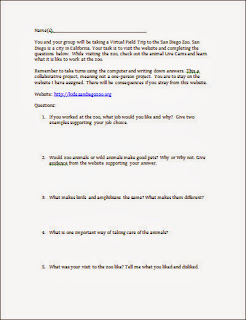
Another way to integrate technology with literacy is to create a virtual field trip to meet the Common Core Standard of asking and answering questions. A virtual field trip is a way to have students explore one or more designated websites while purposefully reading for information. As a teacher you will need to set a purpose (for example, visit Sea World to learn about ocean life) for your virtual field trip as well as a list of questions based on what you want the students to visit. I use open-ended questions to check for understanding rather than short, one-word answers. I create questions according to my students’ abilities.

You can see an example of a virtual field trip form by clicking on the image on the right. The virtual field trip my students love is a trip to San Diego Zoo. They have live webcams and a kid section including audio for non-readers as well as games. This form is a Word document that you can customize with your own questions.

Some of you might ask how I manage a virtual field trip in my classroom. I have students in pairs or small groups to work on answering questions. Every day, a few groups of students use the computers during literacy block time. I have bookmarked the website they are to use and modeled how to use the Internet and the website. With the younger grades, I only have the students use one website with links from that website. For instance, I use kids.sandiegozoo.org, where there are no ads for the kids to accidentally click on and many links to navigate.


Tya Tyrrell is a second-grade teacher in North Carolina. She has been teaching for eleven years and has completed her National Boards Certificate and has a masters degree in elementary education. Additionally, she has Gifted and Intelligence License. Tya also works part time as a consultant with Developmental Studies Center.